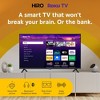


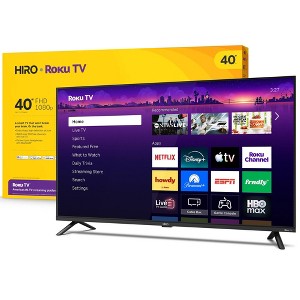
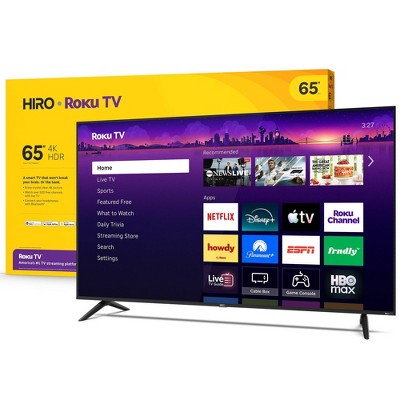
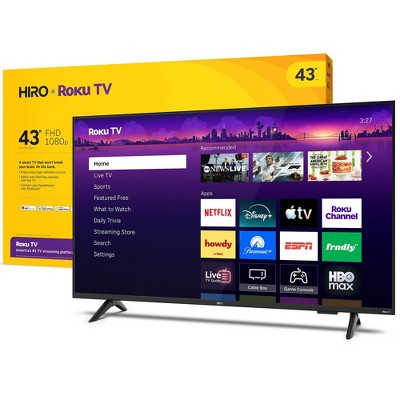
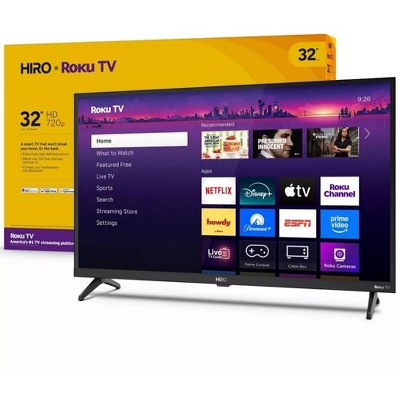
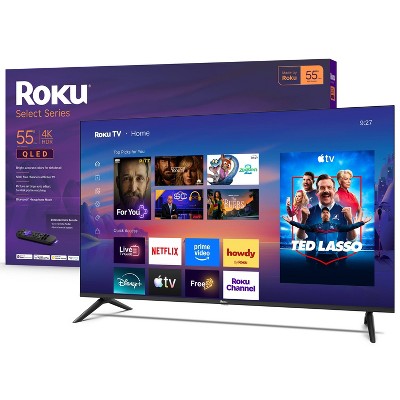
Hiro Roku TV 40" 1080p Full HD Smart TV Flat Screen LED Television with Roku TV and Dolby Audio for Streaming
$119.99
In Stock
Eligible for registries and wish lists
At a glance
About this item
Additional product information and recommendations
Discover more options
- $179.99 - $279.99reg $199.99 - $299.99 Sale3.6 out of 5 stars with 438 ratings
- $679.79reg $1,896.99 Sale5 out of 5 stars with 1 ratings
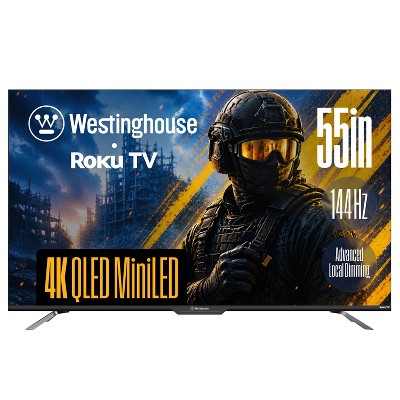
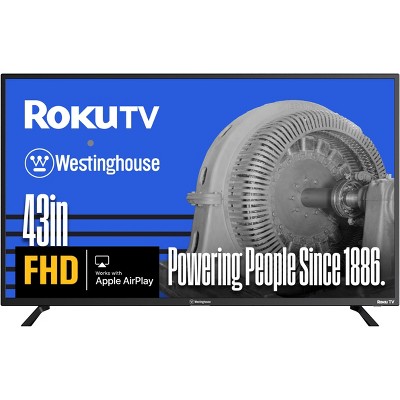
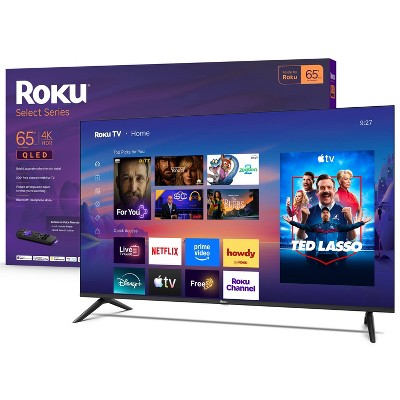
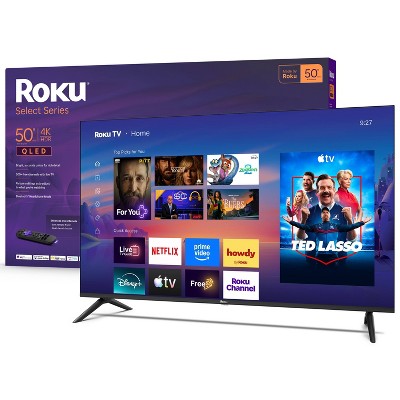
Frequently Also Added
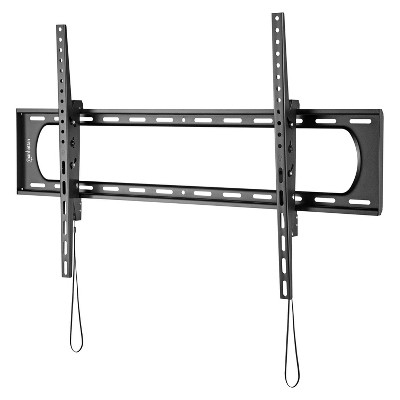
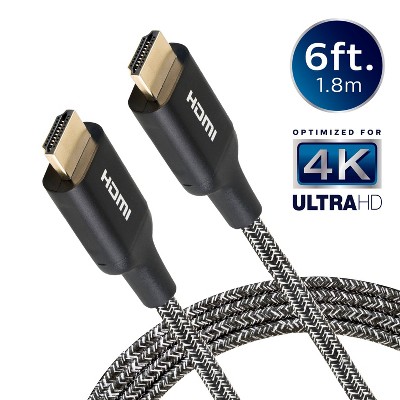
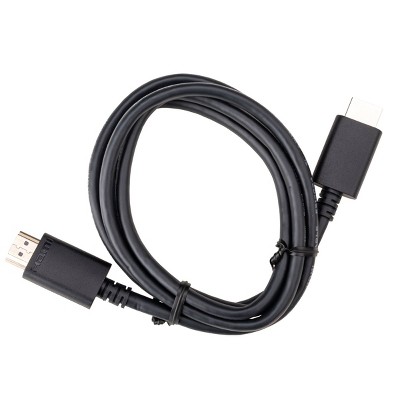
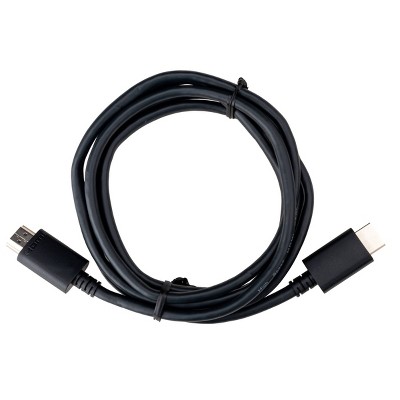
Guests also viewed
- $179.99 - $279.99reg $199.99 - $299.99 Sale3.6 out of 5 stars with 438 ratings
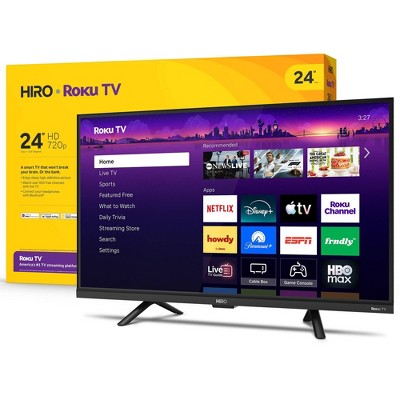
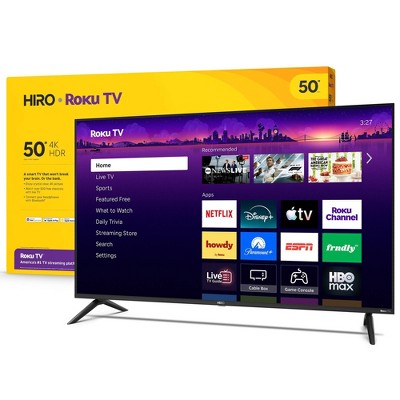
Related Categories
Guests are saying
This TV offers a blend of affordability and functionality, making it a suitable choice for casual viewing and streaming. Guests appreciate its easy setup and integration with Roku, providing access to various channels. However, some have reported issues with picture quality, lag during use, and sound performance. Despite these concerns, many find it a good option for bedrooms or as a secondary TV, especially given its reasonable price.
Summary created by AI from text of reviews reflecting recent feedback provided across different star ratings (includes incentivized reviews)
3.7 out of 5 stars with 407 reviews
black levels: 3.97 out of 5
brightness: 4.1 out of 5
color quality: 4.11 out of 5
features: 3.96 out of 5
sound quality: 3.85 out of 5
58% would recommend
156 recommendations
5 out of 5 stars
Thumbs up graphic, would recommend
20 September, 2026Verified purchase
(no review title)
great tv and price was good
1 out of 5 stars
Thumbs down graphic, would not recommend
17 September, 2026Verified purchase
(no review title)
Haven’t had the TV a year and it won’t turn on.
1 reply from Roku Support team - 7 days ago
Hi Arianna! We offer a step to help. Please start by unplugging your TV from the power source. Next, locate the physical power button on the TV (usually underneath the bottom edge or on the back panel) and press and hold it for 30 to 60 seconds to drain any residual charge. Plug the power cable back directly into the wall outlet, then try turning the TV on. If the issue persists, let us know at support.roku.com/contactus so we can investigate further. Thanks! Elmer, Roku Customer Advocate
5 out of 5 stars
Thumbs down graphic, would not recommend
15 September, 2026Verified purchase
so worthed !
great quality !
5 out of 5 stars
9 September, 2026Verified purchase
(no review title)
Value for the money. Easy set up.
5 out of 5 stars
3 September, 2026Verified purchase
(no review title)
Like
5 out of 5 stars
Thumbs up graphic, would recommend
30 August, 2026Verified purchase
(no review title)
Easy to set up and use.
1 out of 5 stars
Thumbs down graphic, would not recommend
25 August, 2026Verified purchase
Defective
Lines on the tv. Horrible picture quality!
1 reply from Roku Support team - 28 days ago
Hi Ivana, we're here to help. Have you had a chance to contact our customer support team? Please reach us directly at support.roku.com/contactus so that we can assist. Your feedback is very important to us, and we’re eager to assist. Thank you! Jessica, Roku Customer Advocate
2 out of 5 stars
Thumbs down graphic, would not recommend
22 August, 2026
Would not reccommend. Get a sony or samsung
They volume is very low. The screen resolution is terrible
1 reply from Roku Support team - 1 month ago
Hi there! We offer simple steps to help. First, play any movie or show on your Roku TV, then press the star (*) button on your remote to open the TV settings menu. Select Picture Settings, then select Picture Mode, and change the picture mode using the left and right buttons on your remote. For more help, visit https://support.roku.com/article/improve-image-quality-with-picture-modes. Also, please note that you have an option to customize the sound settings on your TV. To learn more, visit https://support.roku.com/en-us/article/manage-volume-levels#enable-volume-leveling-on-a-roku-tv. If you need more help, visit https://support.roku.com/contactus. Thanks! Elmer, Roku Customer Advocate
5 out of 5 stars
Thumbs up graphic, would recommend
21 August, 2026Verified purchase
very good merchandise
good sound good quality reasonable price I would give it 💯 rating five stars
2 out of 5 stars
Thumbs down graphic, would not recommend
19 August, 2026Verified purchase
Pretty Awful TV
Like: it’s Roku so it synced up to my other tv/account easily Dislike: it lags, horribly… whether we’re playing video games or listening to music or trying to watch a movie, it cannot keep up and just gives out and has force shutoff on us multiple times.
1 reply from Roku Support team - 1 month ago
Hello! Does this happen with specific content or across all channels? If you haven’t already, please make sure your Roku has a stable Wi‑Fi connection and try reducing the number of devices using your network. You can also restart your device by going to Settings > System > Power > System restart. Additionally, check for the latest software update under Settings > System > Software update and select Check now. More troubleshooting steps can be found at https://support.roku.com/article/issues-playing-content. If the issue continues, our support team is available at http://support.roku.com/contactus. We hope this helps! Jessica, Roku Customer Advocate
5 out of 5 stars
Thumbs up graphic, would recommend
17 August, 2026Verified purchase
(no review title)
I like it work great it was very easy to set it up
3 out of 5 stars
17 August, 2026Verified purchase
Its okay for the price
A little slow and crash here and there
1 reply from Roku Support team - 1 month ago
Hi there! Help is here. For a quick fix, it is imperative to ensure that your device is operating on the latest software version. This will significantly enhance its functionality and provide access to the most recent features. To verify, navigate to Home > Settings > System > Software Update > Check Now. Also, it is essential to ascertain the stability of your Wi-Fi connection to enable uninterrupted streaming. For more help, visit https://support.roku.com/article/issues-playing-content#section-0. If none of these suggestions work, please contact a member of our team so that we can assist you directly at support.roku.com/contactus. Thanks! Elmer, Roku Customer Advocate
5 out of 5 stars
Thumbs up graphic, would recommend
14 August, 2026Verified purchase
(no review title)
Great picture and sound
5 out of 5 stars
Thumbs up graphic, would recommend
11 August, 2026Verified purchase
(no review title)
got to like the price and how to get smart TVs so I didn't have to pay monthly anymore for my Xfinity foxes
4 out of 5 stars
Thumbs up graphic, would recommend
11 August, 2026Verified purchase
Remote
The remote has volume and mute button on the side so every time I pick it up I mute the TV!😡
5 out of 5 stars
8 August, 2026Verified purchase
(no review title)
Package came with everything ripping cold ones with the boys watching great baseball
5 out of 5 stars
Thumbs up graphic, would recommend
7 August, 2026Verified purchase
Don't miss this value
Have really enjoyed my Hiro Roku pictures sharp, great sound, great channels and most important and awesome value. It didn't disappoint in any area.
5 out of 5 stars
3 August, 2026Verified purchase
(no review title)
Nice size beautiful color great price keep up the good work
1 out of 5 stars
Thumbs up graphic, would recommend
1 August, 2026Verified purchase
BAG FEE
How am I charge a $1.00 if I purchase a TV that doesn’t even make sense. I purchase the TV 7/25 but was charge a $1.00 on 8/1 how does that happen. It’s the principal I need to be reimbursed for the bag fee or receive the 10 bags.
1 reply from Roku Support team - 2 months ago
Hi Penina, thanks you for sharing your experience with us. Have you had a chance to reach out to Target about this issue? We recommend contacting them directly at https://www.target.com/help/contact-us so they can look into this for you, since it’s something outside of our service. We hope this can be sorted out smoothly. If there's anything that we can help you within the future, feel free to contact us at http://support.roku.com/contactus. Thanks again! Jessica, Roku Customer Advocate
1 out of 5 stars
31 July, 2026Verified purchase
Do not buy this
Awful doesn't work. Constantly freezes and crashes on every single app.
1 reply from Roku Support team - 2 months ago
Hi Layni, we'd like to help! If you haven't already, please try restarting your TV through Settings → System → Power → System Restart. Also, reset your internet router and modem. Next, run a network check by going to Settings → Network → Check Connection, and consider moving the Roku device closer to your router. Additionally, make sure your device has the latest software version installed. If the issue persists, please don’t hesitate to contact our customer support team at https://support.roku.com/contactus for further assistance. We hope this helps! Jessica, Roku Customer Advocate