
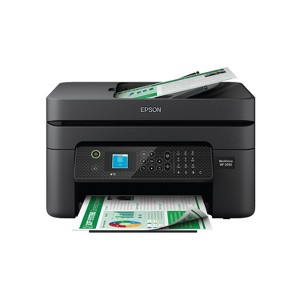
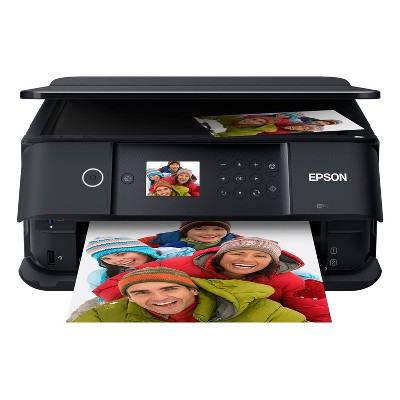
Epson WorkForce WF-2930 Wireless All-in-One Color Inkjet Printer, Copier, Scanner - Black: Smartphone App, USB, Automatic 2-Sided Printing
$119.99
In Stock
Eligible for registries and wish lists
About this item
Additional product information and recommendations
Discover more options
- $431.59reg $519.99 Sale4.4 out of 5 stars with 157 ratings
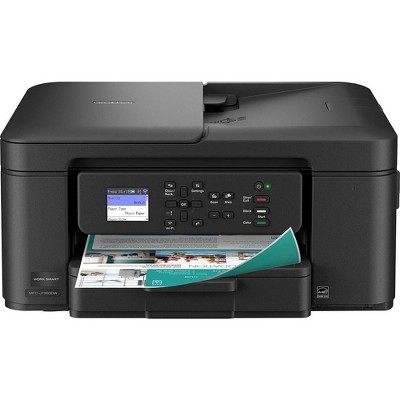
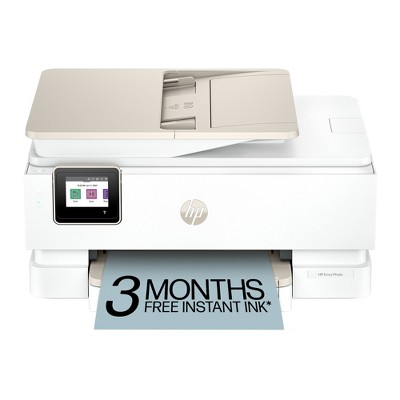
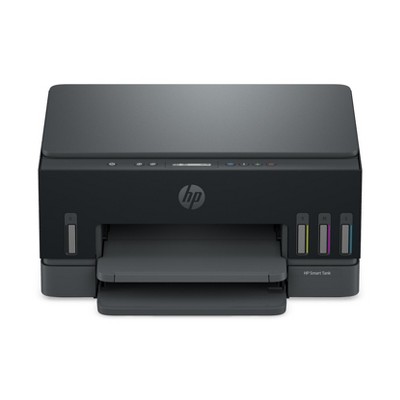
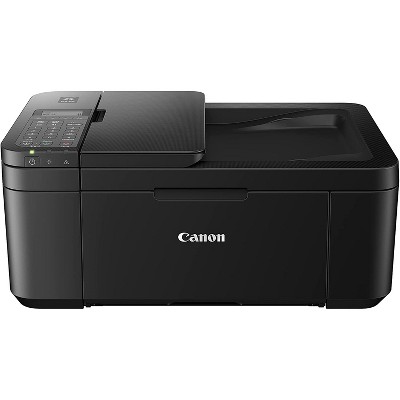

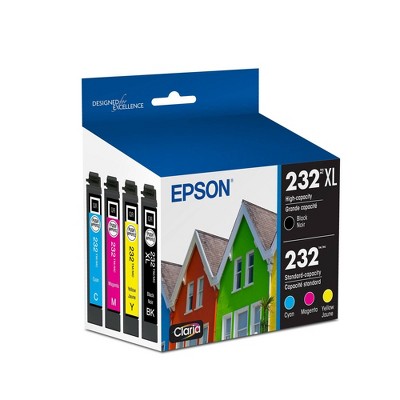
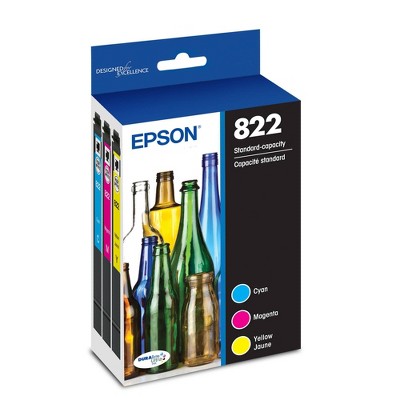
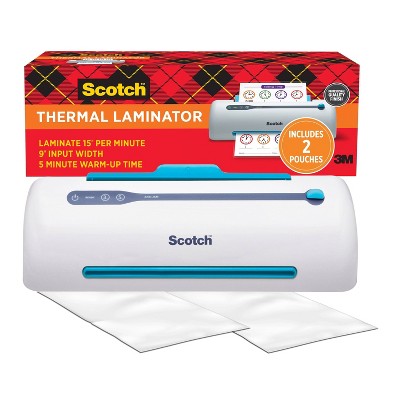



Guests also viewed
Related Categories
Guests are saying
The Epson Workforce WF 2930 printer offers a range of features including wireless connectivity, scanning, and copying capabilities, making it suitable for home office use. However, many guests express frustration over its ink consumption, frequent cartridge replacements, and connectivity issues. While some appreciate its print quality and ease of setup, the overall sentiment leans towards disappointment due to the high cost of ink and operational challenges. Guests suggest considering alternatives for better value.
Summary created by AI from text of reviews reflecting recent feedback provided across different star ratings (includes incentivized reviews)
2.6 out of 5 stars with 228 reviews
quality: 1.77 out of 5
value: 1.83 out of 5
14% would recommend
47 recommendations
1 out of 5 stars
Thumbs down graphic, would not recommend
6 September, 2026Verified purchase
(no review title)
Poor quality printer. Unable to find replacement ink. I would like to return but do not have physical capability to return item.
1 out of 5 stars
Thumbs down graphic, would not recommend
5 September, 2026Verified purchase
(no review title)
This printer eats through ink like crazy and the ink is so expensive. I wish I had never purchased it because it ran out of ink the day after the return window. And I have replaced the cartridges twice in 2 months! I didn’t know I was buying another monthly bill for ink replacement. Probably cheaper just to throw it away and buy something else.
1 out of 5 stars
Thumbs down graphic, would not recommend
31 August, 2026
Not a cost friendly printer as the price migh suggest.
Great printer from a design and functionality, but terrible on the ink consumption and price. I would not recommend this product.
5 out of 5 stars
Thumbs up graphic, would recommend
27 August, 2026Verified purchase
Printer
This is excelente for me
2 out of 5 stars
12 August, 2026
originally posted on epson.com

Don't update if you want your ink cartridges to work
The printer itself is fine. I have an issue with Epson telling me to updating my printer and now my ink cartridges are not good enough to work with the printer now. They were working just fine a day before, and now the firmware update decided that the ink I was using 24 hours ago is now not genuine enough. I had to print projects for work and now I am out of luck. Not cool.
5 out of 5 stars
7 August, 2026Verified purchase
(no review title)
Very easy to set up and use, even for a technically challenged person as myself
1 out of 5 stars
Thumbs down graphic, would not recommend
31 July, 2026Verified purchase
(no review title)
do not buy!!! purchased in March 2026 and will not recognize ink cartridges. I've tried every help and nothing works. What a piece of crap!!!
1 out of 5 stars
24 July, 2026Verified purchase
(no review title)
I bought this printer in March 2026 it’s now July and it’s no longer working!
5 out of 5 stars
Thumbs down graphic, would not recommend
17 July, 2026Verified purchase
(no review title)
yeah, nice .thanks
1 out of 5 stars
Thumbs down graphic, would not recommend
13 July, 2026Verified purchase
(no review title)
Bought this printer a month ago. Had to do an update last night. Woke up to it not accepting my off brand cartridges (despite it print fine before with these cartridges). What a scam. BEWARE!! New epson cartridges cost more than the printer.
1 out of 5 stars
9 July, 2026Verified purchase
(no review title)
Absolute rubbish. Didnt even come with enough ink to set up. Then wouldnt set up on the extra cartridges because they were not the primaries included with the printer.
1 reply from Epson team - 3 months ago
Hi M, we’re sorry to hear you’re having issues with your Epson WF-2930. Your product includes a one-year limited warranty and free lifetime tech support. The Epson Advanced Support Team would be happy to help get your printer set up and resolve any issues. Please call us at 1-800-241-5794 between 7 a.m. – 4 p.m. (PT), Monday – Friday. Sincerely, Alissa A. – The Epson Team.
4 out of 5 stars
27 June, 2026
originally posted on epson.com
Compact is great. Thats about it
I like the compact size of the printer. I enjoy being able to use my phone to scan. However, i had to research what exactly the top is used for. I have tried to use it for scanning, copying, etc. It does nothing but eat and tear up my single sheet of paper. If i have to scan multiple pages, i have to literally do it one at a time. I have to open the printer, lay a sheet, scan, open, flip the sheet and do again. It is very time consuming. I have damaged several legal papers attempting to use the 30-page feeder. Also, no matter how many times I have tried, the printer will not show as a scanner on my laptop. I have to scan from my phone, save it to my phone and then email it to myself.
1 out of 5 stars
13 June, 2026
originally posted on epson.com
WORST PRINTER! DO NOT BUY
This product is awful. I was in tears just setting it up. DO NOT BUY THIS!! They should be ashamed of even sellin git
1 reply from The Epson Team team - 3 months ago
Hi autumn4545468463165, Sorry you are having issues setting up your WF-2930. You can find product information, including FAQs and the product's User’s Guide at https://epson.com/Support/Printers/All-In-Ones/WorkForce-Series/Epson-WorkForce-WF-2930/s/SPT_C11CK63201#manuals. The Epson Support Team would be happy to help you as well and can be reached at (562) 276-4382; Hours: Monday – Friday, 7 a.m. to 4 p.m. (PT). Have a great day. Sincerely, Alissa – The Epson Team.
1 out of 5 stars
2 June, 2026
originally posted on epson.com
(no review title)
The worst printer. The printer ink doesn't last, I constantly have to buy and replace cartridges, and this is for personal use, where I barely print about 20 pages a month. I don't recommend it.
1 reply from The Epson Team team - 4 months ago
Hi PII restricted, we are sorry you are disappointed with your Epson printer’s cartridge life. Your WF-2930 includes free technical support for the life of your product. Our Epson Support Team may be able to help you customize your settings to optimize ink usage. Please contact us at (562) 276-4382; Hours: Monday – Friday, 7 a.m. – 4 p.m. PT. We look forward to your call. Regards, Alissa A. – The Epson Team.
1 out of 5 stars
Thumbs down graphic, would not recommend
2 June, 2026Verified purchase
Do not recommend.
If I could give it no stars I would. Printer keeps having missing alignments. Eats up all the ink. Yes it’s cheap but save yourself the trouble and get a good quality printer
1 reply from Epson team - 4 months ago
Hello Alondra, we apologize for the disappointing experience you’ve encountered with your Epson printer. Your WF-2930 includes free technical support for the life of your product. Please reach out to our Epson Support Team for assistance at (562) 276-4382; Hours: Monday – Friday, 7 a.m. to 4 p.m. (PT). We’re here to help. Sincerely, Alissa A. – The Epson Team.
1 out of 5 stars
1 June, 2026
(no review title)
hands down the MOST DIFFICULT printer to set up to a computer. Instructions have several missing steps or missing links and NO customer support. Do not purchase, return it if you baught it.
1 reply from Epson team - 4 months ago
Hi Brandon, sorry you are having issues setting up your WF-2930. You can find product information, including FAQs and the product's User’s Guide at https://files.support.epson.com/docid/cpd6/cpd62192/index.html.The Epson Support Team would be happy to help you and can be reached at (562) 276-4382; Hours: Monday – Friday, 7 a.m. to 4 p.m. (PT). Have a great day. Sincerely, Alissa A. – The Epson Team.
1 out of 5 stars
Thumbs down graphic, would not recommend
30 May, 2026
Dont buy Epson
Throwing this printer in the trash. The time it takes to try to get connected is unreal. Save yourself the frustration and buy another brand. I’m sad that I spend $100 on this printer. Customer service doesn’t exist u til you write a bad review and then suddenly they have the answers. You will regret this purchase.
1 reply from Epson team - 4 months ago
Hi Unhappy Customer, we are sorry to hear about the disappointing experience you've encountered with our Customer Support team. Epson takes into consideration all feedback to improve the performance, quality, and support of our products. We will forward your feedback to the relevant department. If the issue still persists, you may reach out directly to our Advanced Epson Support Team at 1-800-241-5794. We appreciate your time and we look forward to your call. Kind Regards, Joseph – The Epson Team.
1 out of 5 stars
Thumbs down graphic, would not recommend
28 May, 2026Verified purchase
Ran out of ink fast!
Goes through ink way too fast.
1 reply from Epson team - 4 months ago
Hi Christine, we are sorry you are disappointed with your Epson printer. Your WF-2930 includes free technical support for the life of your product. Our Epson Support Team may be able to help you customize your settings for a more efficient performance. Please contact us at (562) 276-4382; Hours: Monday – Friday, 7 a.m. – 4 p.m. PT. We look forward to your call. Regards, Joseph – The Epson Team.
1 out of 5 stars
Thumbs down graphic, would not recommend
22 May, 2026Verified purchase
No Recommend
Not working and too tiny screen for the odd WiFi setup. Previously I had an Epson which worked great so I bought this one thinking it'd be same. That was 5 or more years ago. But this one bought last year, is WiFi and usb did not work and now it won't make a copy unless I fill out some odd questionnaire which I can't bc the screen is barely visible and I am not sure what is says or is asking.
1 reply from Epson team - 4 months ago
Hi flowers, we apologize about the disappointing experience you are having with your Epson printer's Wi-Fi connection. Your WF-2930 includes free technical support for the life of your product. Please call and let our Epson Support Team assist. Our support number is (562) 276-4382. Our support hours of operation are Monday – Friday, 7 a.m. to 4 p.m. (PT). We’re here to help. Sincerely, Jacob – The Epson Team.
1 out of 5 stars
19 May, 2026
originally posted on epson.com
Bad product
One of the worst printers ever.. Ink finishes very fast And ofen print doesn't recognize the ink cartridge makes by new ones even though yours is full of ink .. Every time it updates the software it makes more problems and stop working and I have to go print outside. If the color ink is out it stops working so you can't print black and white. What a s hity product
1 reply from The Epson Team team - 4 months ago
Hi Espon customer, thank you for taking the time to write a review of your new Epson printer. We appreciate your business, and value your feedback. Your WF-2930 includes free technical support for the life of your product, so if you’d like help, feel free to contact us at (562) 276-4382; Hours: Monday – Friday, 7 a.m. to 4 p.m. (PT). Kind Regards, Joseph – The Epson Team.